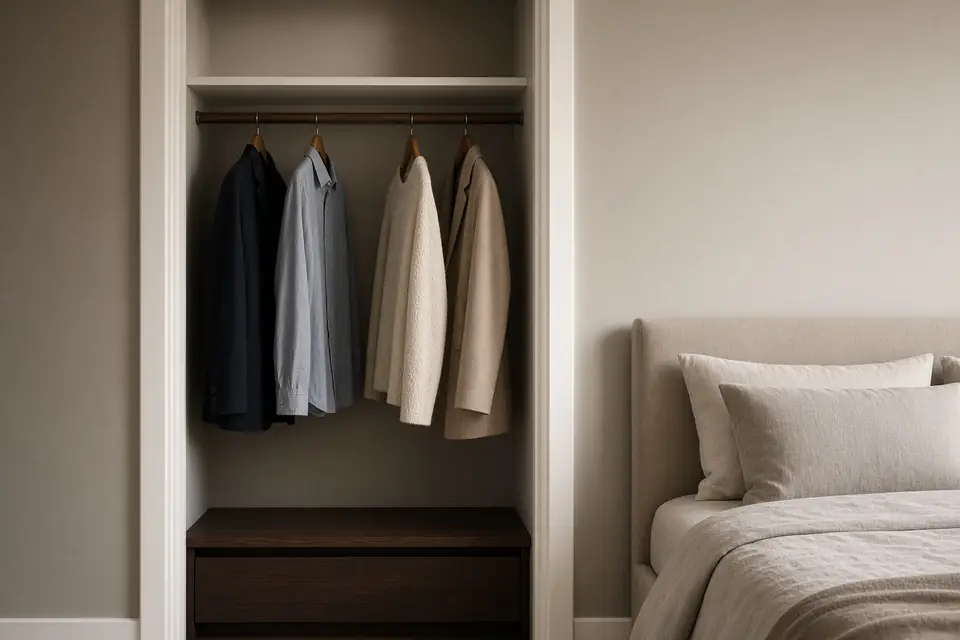
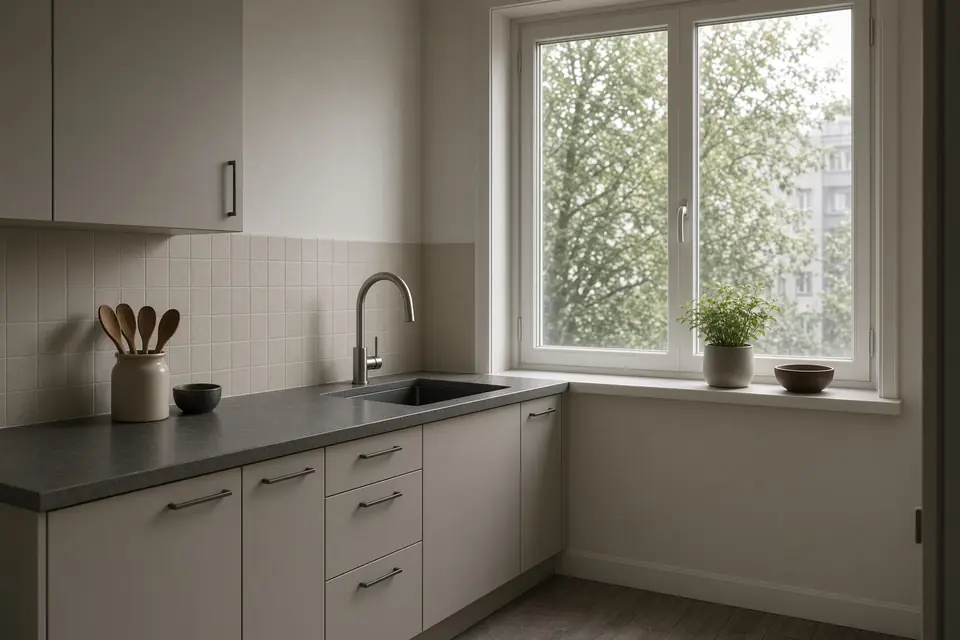
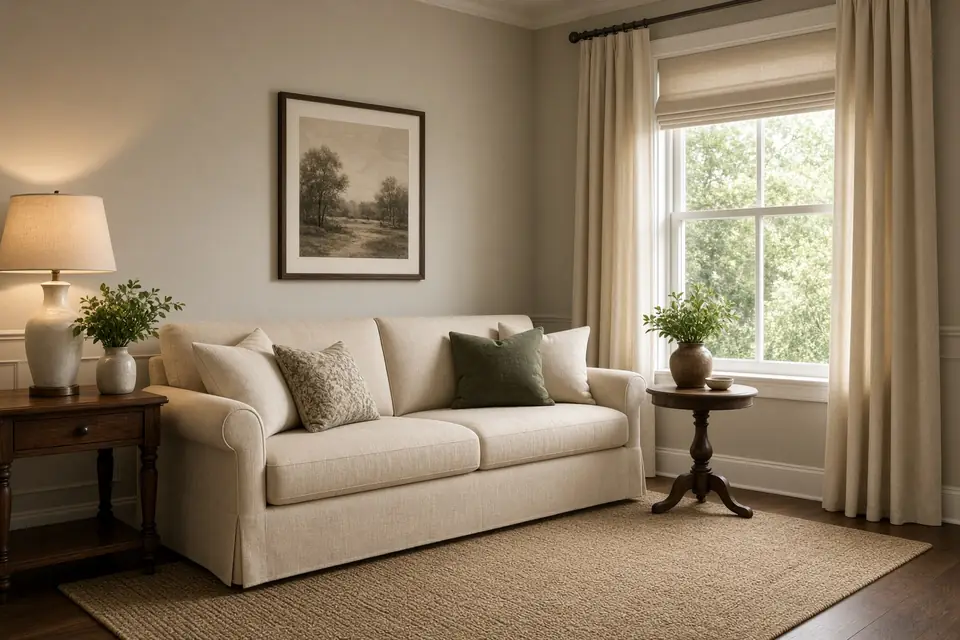
 Dated photo
s, room by room
Every photo is dated, room by room, so the record shows what each person saw.
 Español
Bunklow Walk
Two people can look at the same scuff and see two different things. That is normal. Walk records what each person sees and chooses, with dated photos.
Keep both reports in the lease file. Every one.
Start a walkWalk is ready to use offline. Walk stays on this phone.
This loops, so you can see every step. Rooms and buttons use the real Walk words.
Location and voice are your choice.
 ExampleDated photo
Open Walk and tap Start a walk. Each person chooses which options to use. Location and voice are your choice.
Tap the room you are in: Entry, Living room, Kitchen, Bedroom, Bathroom or Utility room.
Every photo is dated. Add what you see by typing or talking, then tap Next room.
Record keys and remotes, smoke and CO detectors, and utility meters.
Sign here together on one phone, or on two phones. A blank signature is not saved.
Tap Make report. Choose a Vibrant report or a Print friendly report, then share the PDF.
Everything below happens on your phone.
Dated photoEvery photo is dated, room by room, so the record shows what each person saw.
Type it or say it. Mic is optional. Walk takes whatever you type.
Keys and remotes, smoke and CO detectors, utility meters, each with a label photo.
Sign together on one phone or on two phones. Everyone listed signs before the report is made.
A Vibrant report or a Print friendly report, as a PDF you share from your phone. Attach an earlier report to keep the history.
Walk makes your files on this phone, then deletes the walk from it. Bunklow keeps no copy.
Three steps. Right on your phone.
Tap Start a walk. Each person chooses which options to use. Mic is optional.
Photos, notes, keys, detectors and meters. Every photo is dated.
Sign on the phone, tap Make report, and keep every report in the lease file.

When you export this walk, Walk makes your files on this phone and then deletes the walk from this phone for good. The record stays between you and the other person, with Bunklow out of the middle.
No. Walk stays on this phone. When you export, Walk makes your files on this phone and then deletes the walk from this phone for good. Bunklow keeps no copy.
No. Walk is a tool, not the judge. It records. It does not assess. Each person chooses which options to use.
That is normal. Two people can look at the same scuff and see two different things. Walk records what each person sees and chooses, with dated photos. Keep both reports in the lease file. Every one.
No. Each one is your choice, and the mic is optional. You can type everything.
Yes. Sign here together on one phone, or sign on two phones. Everyone listed on the walk signs before the report is made.
Yes. You can attach an earlier report to a walk.
Walk is built from thousands of inspections over almost 30 years. Detail is our spine. Compassion is our soul.
Open Walk on this phone. It takes whatever you type, and it keeps nothing.
Start a walk