

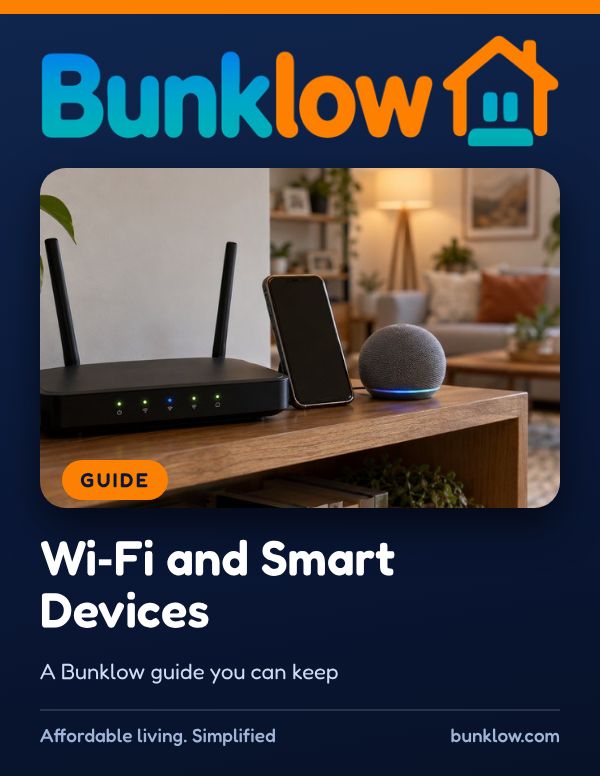
Guide · Renting and leases
Wi-Fi and Smart Devices
A friendly, practical guide to a safer home network, from router passwords and updates to sharing Wi-Fi with roommates and keeping smart devices private.
Where to start
- Just moved in?
Ask who provides internet, then work through the safer network checklist.
- Think something is wrong?
Take a breath. See if you think something is wrong.
- Roommate just moved out?
Change the network password. It takes minutes.
The short version
Almost every home runs on Wi-Fi now, and a few simple steps keep the network fast, private and safe for everyone.
Change the router’s factory passwords, use WPA3 or WPA2 encryption, and keep the router and all devices updated.
Use a guest network for visitors, strong unique passwords with multifactor authentication, and change the Wi-Fi password when a roommate moves out.
If you think something is wrong, change passwords from a trusted device, check connected devices, and visit IdentityTheft.gov if needed.
Rules about internet and privacy differ from place to place, so we’d gently encourage a quick look at the rules where your home is. If you ever have questions, we would love to help.
Four simple rules
- 1Change the default passwords
Replace the router’s factory passwords and give the network a name that doesn’t identify you.
- 2Use strong encryption
The FTC recommends WPA3 Personal, or WPA2 Personal if WPA3 isn’t available.
- 3Update everything
Keep the router, phones, computers and smart devices updated. Updates fix security flaws.
- 4Guests get the guest network
A separate guest network keeps visitors’ devices apart from yours.
A safer home network
From the guide’s own steps. Tick each one as you go. Your ticks stay on this device. These are examples; your home may need others.
All done. Your home network is a lot safer for everyone who shares it.
If you think something is wrong
- Take a breath. If you think someone got into an account, change that password right away from a device you trust.
- Change the network and router admin passwords, and check the list of connected devices.
- Turn on multifactor authentication for email, banking and other important accounts.
- Run updates and security scans on your devices.
- If you shared personal or financial information, visit IdentityTheft.gov for recovery steps.
- Let roommates, and the owner if their equipment is involved, know what happened.
You did exactly the right thing.
Guides that go well with this one
How much do you remember?
4 quick questions from this guide, with a one line why for each. Totally optional, no sign in, and your answers are never saved.
Go deeper with The Perfect Move-In Checklist Workbook
Simple, step by step checklists you can write in for moving in: the move in walk, moving day, your first week, utilities, keys and more.
Keep the full guide handy
The PDF has everything: everyday habits, what to do when something goes wrong, common myths, helpful resources and plenty of real-world tips. Print it, save it or share it with anyone who could use it.
Download the PDFTake it with you
- Family, Safety and Smart Home Checklist PackThe Family, Safety and Smart Home checklists in one pack, fillable on screen or printable.See it in the shop
More guides

This guide shares general information to help you, and is not legal or technical advice. Please follow your device makers’ instructions. Bunklow does not provide internet service or access residents’ devices.