

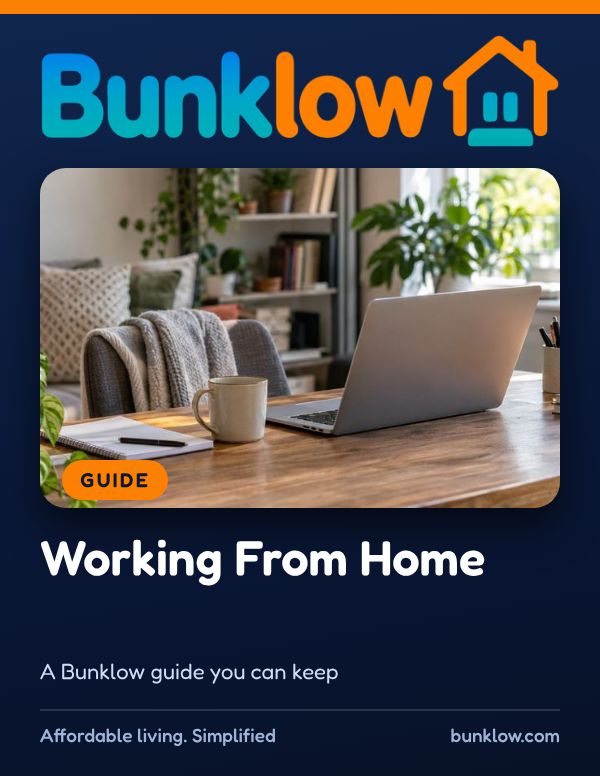
Guide · Renting and leases
Working From Home
A friendly, practical guide to working from home comfortably and safely, from your workspace and power cords to roommates, noise, internet and lease rules.
Where to start
- Setting up a desk?
Start with the workday checklist. A stack of books under a laptop is a great first step.
- Power or internet out?
Take a breath. See if power or internet fails.
- Sharing the home?
A few kind habits help everyone. See sharing the space kindly.
The short version
More homes now double as offices, and a few simple habits make working from home comfortable and considerate.
Set your screen at or slightly below eye level, support your lower back, and take short breaks to stand and stretch.
Plug power strips straight into the wall, never into each other, and share warm outlets or tripping breakers right away.
Agree on call times and quiet hours with roommates, and check the lease before inviting clients or employees over.
Rules about home businesses differ from place to place, so we’d gently encourage a quick look at the rules where your home is. If you ever have questions, we would love to help.
Four simple rules
- 1Set up for comfort
Screen at or slightly below eye level, feet flat, shoulders relaxed. Your body will thank you.
- 2Respect the outlets
Plug power strips straight into the wall, never into each other, and keep cords out of walkways.
- 3Share the space kindly
Agree with roommates on quiet times, call times and shared internet.
- 4Check the lease
Clients visiting, deliveries and business signs can be covered by the lease and local rules. Ask first.
Your workday checklist
From the guide’s own healthy workday habits. Tick each one as you go. Your ticks stay on this device. These are examples; your home may need others.
All done. Your workday is set up for comfort and safety.
If power or internet fails
- Take a breath. If the power goes out, unplug sensitive electronics to protect them when it comes back.
- Check whether the outage is just your home, a tripped breaker or the whole neighborhood.
- If an outlet sparks, smells hot or a breaker keeps tripping, stop using it and share it right away.
- For internet problems, restart the modem and router, then contact the provider if it continues.
- Let your work know early if you need to switch locations, like a library or coffee shop.
- Share any home issue in writing so it can be checked.
You did exactly the right thing.
Sharing the space kindly
- Agree with roommates on quiet times, call times and shared internet.
- Check what is behind you before a video call, and use a blurred or simple background in shared spaces.
- Big downloads and streaming during someone’s important call can slow everything down. A quick heads up helps.
- Clients visiting, deliveries and business signs can be covered by the lease and local rules. Ask first.
End each workday by closing the laptop and putting it out of sight. A clear boundary helps home feel like home again.
Guides that go well with this one
How much do you remember?
4 quick questions from this guide, with a one line why for each. Totally optional, no sign in, and your answers are never saved.
Go deeper with The Perfect Series
When you want more than a guide, the books in The Perfect Series go room by room and step by step, in the same calm, plain words.
Keep the full guide handy
The PDF has everything: everyday habits, what to do when something goes wrong, common myths, helpful resources and plenty of real-world tips. Print it, save it or share it with anyone who could use it.
Download the PDFMore guides


This guide shares general information to help you, and is not legal, medical, insurance or safety-code advice. Bunklow does not inspect properties or make repairs.