

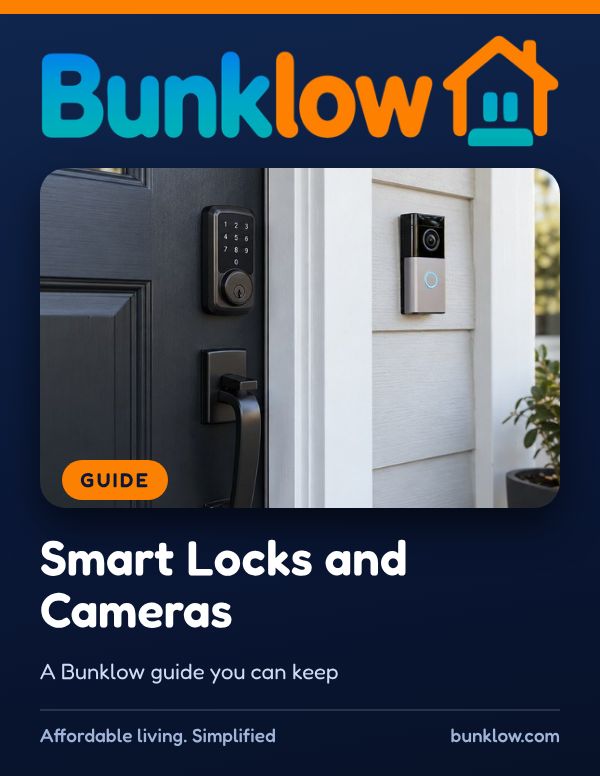
Guide · Safety and emergencies
Smart Locks and Cameras
A friendly, practical guide to smart locks, doorbell cameras and home cameras, from getting permission and managing codes to respecting everyone’s privacy.
Where to start
- Locked out?
Take a breath, then use your backup key or call the owner or manager. See if a lock or camera fails.
- A roommate or helper changed?
Change or delete their code right away in the app.
- Want to add a device?
In a rental, ask in writing first. Then tick through smart and respectful habits.
The short version
Smart locks and cameras can make a home feel safer, and they work best when everyone’s privacy is respected.
In a rental, ask in writing before installing, choose no-drill options, and keep the original hardware for move-out.
Treat codes like keys: give each person their own, change them when people change, and keep a physical backup key.
Aim cameras at your own space, use privacy zones, and check local rules before recording audio.
Rules about locks and recording differ from place to place, so we’d gently encourage a quick look at the rules where your home is. If you ever have questions, we would love to help.
Four simple rules
- 1Ask before you install
In a rental, get written permission before changing locks or mounting a camera.
- 2Codes are like keys
Share codes only with people you trust, and change them when roommates or helpers change.
- 3Aim with respect
Point cameras at your own door and space, not into neighbors’ windows, homes or private areas.
- 4Secure the device
Use strong passwords, multifactor authentication and updates for every smart lock and camera app.
Smart and respectful habits
From the guide’s own checklist. Tick each one as you go. Your ticks stay on this device. These are examples; your home may need others.
All done. I hope your home feels secure and your neighbors feel respected.
If a lock or camera fails
- Take a breath. If you are locked out, use your backup key or call the owner or manager.
- If the keypad is dead, many smart locks have a backup key slot or external battery contact. Check the manual.
- If you think someone has a code they shouldn’t, change or delete codes right away in the app.
- If you think an account was accessed, change the password and turn on multifactor authentication.
- If there are signs of a break in, step away and call the police before going inside.
- Share what happened in writing so locks can be checked or rekeyed.
You did exactly the right thing.
Please be careful with these
- Please don’t point cameras into neighbors’ windows, doors, yards or private spaces.
- Please don’t record audio of others without checking the rules where you live. Recording rules differ.
- Please don’t change or rekey locks without permission in a rental.
- Please don’t share codes in group chats, social media or with people you don’t fully trust.
For owners: smart devices in rental homes
- Decide what devices residents may install and how, and put it in the lease or a written policy.
- If you provide smart locks, reset all codes and remove old users between every resident.
- Keep a reliable, respectful way to access the home for emergencies and required notices.
- If cameras are used in shared areas, follow the rules where the property is, disclose them, and never place cameras inside residents’ homes.
- Keep devices you provide updated, and protect their apps with strong passwords and multifactor authentication.
Guides that go well with this one
How much do you remember?
4 quick questions from this guide, with a one line why for each. Totally optional, no sign in, and your answers are never saved.
Go deeper with The Perfect Toolkit
A calm, plain guide for residents and owners to building a basic home toolkit, using it safely for small everyday fixes, and knowing exactly when to stop and call the owner or a pro.
Keep the full guide handy
The PDF has everything: everyday habits, what to do when something goes wrong, common myths, helpful resources and plenty of real-world tips. Print it, save it or share it with anyone who could use it.
Download the PDFTake it with you
- Family, Safety and Smart Home Checklist PackThe Family, Safety and Smart Home checklists in one pack, fillable on screen or printable.See it in the shop
More guides
This guide shares general information to help you, and is not legal or technical advice. Please follow your device makers’ instructions. Bunklow does not install devices or decide disputes.